view ALL INTEGRATIONS
Use Salesforce Flows for handwritten follow-up across pipeline and customer milestones
Salesforce stages and workflows can trigger handwritten follow-up across demos, deals, and renewals, while QR scans surface intent faster.
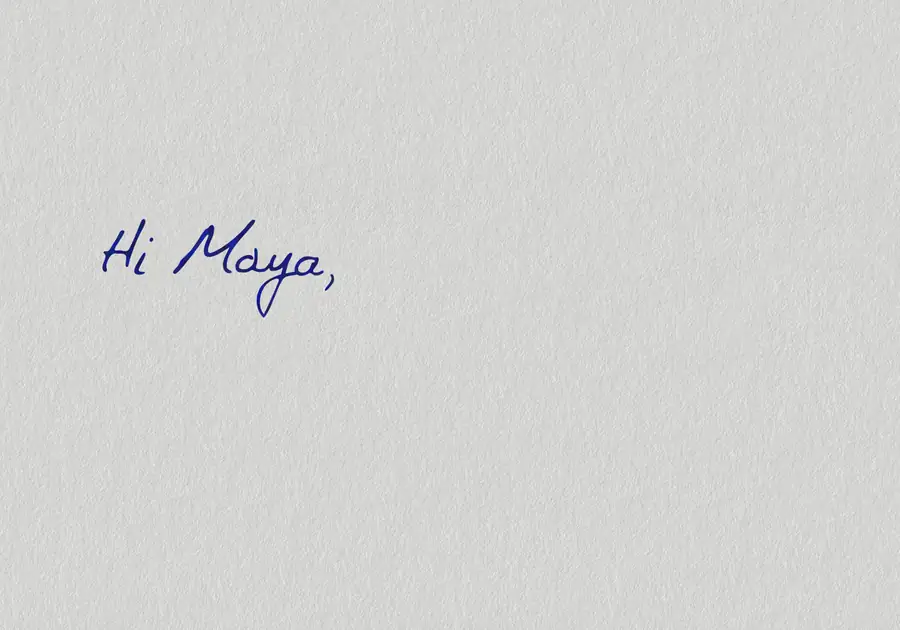
Trigger handwritten follow-up from the deal, pipeline, and lifecycle moments already managed inside Salesforce.

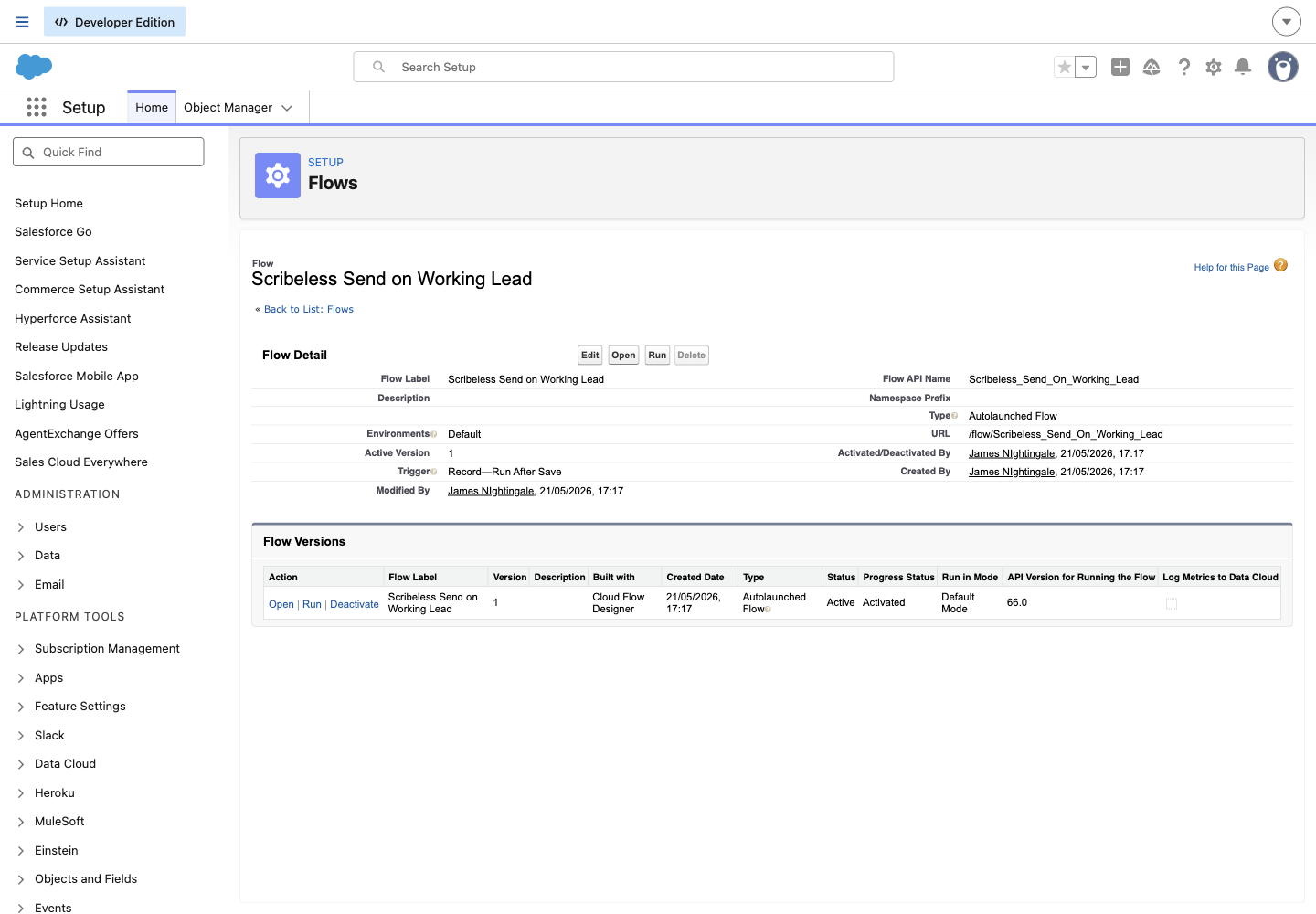
record-triggered Flow when opportunity closes
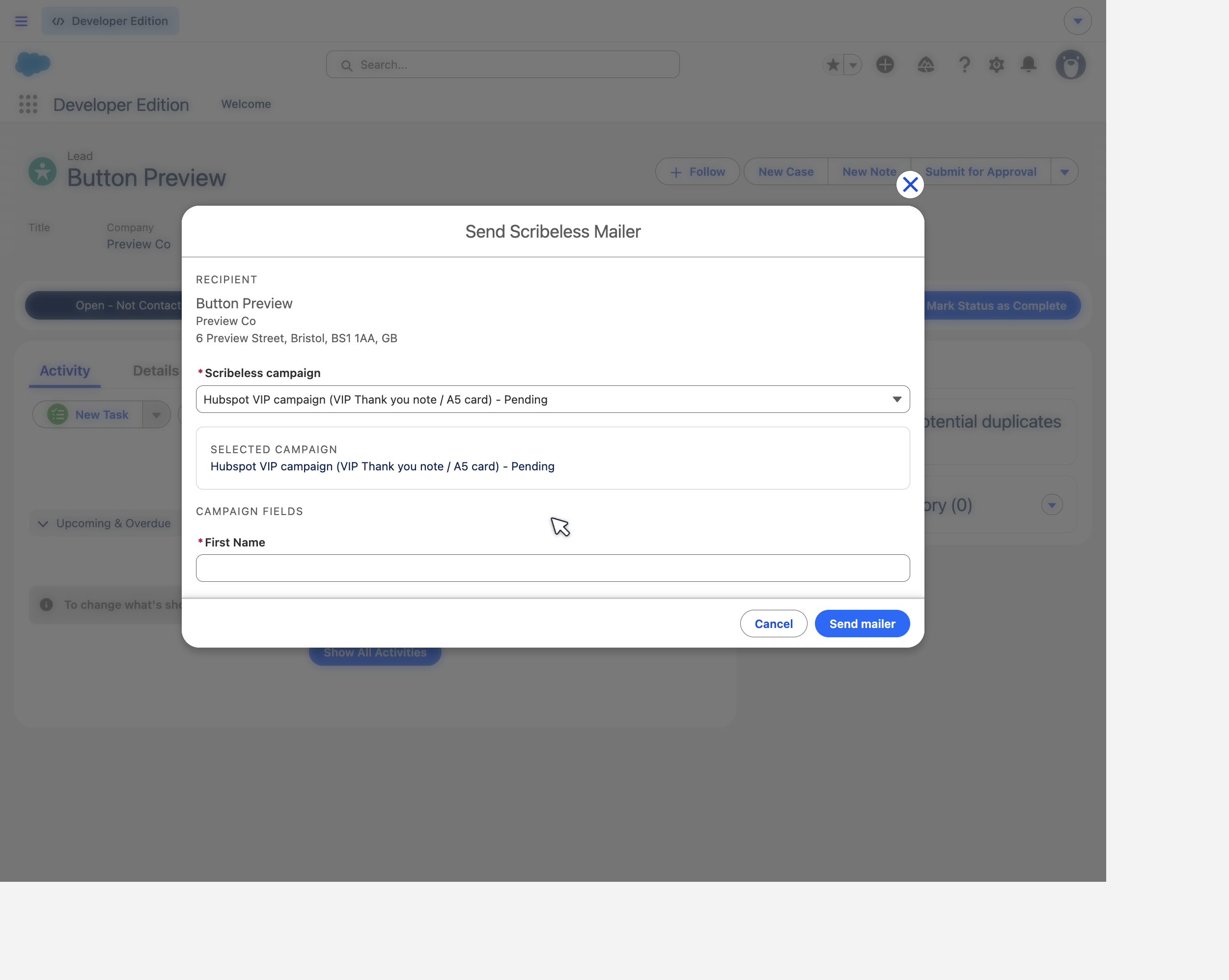
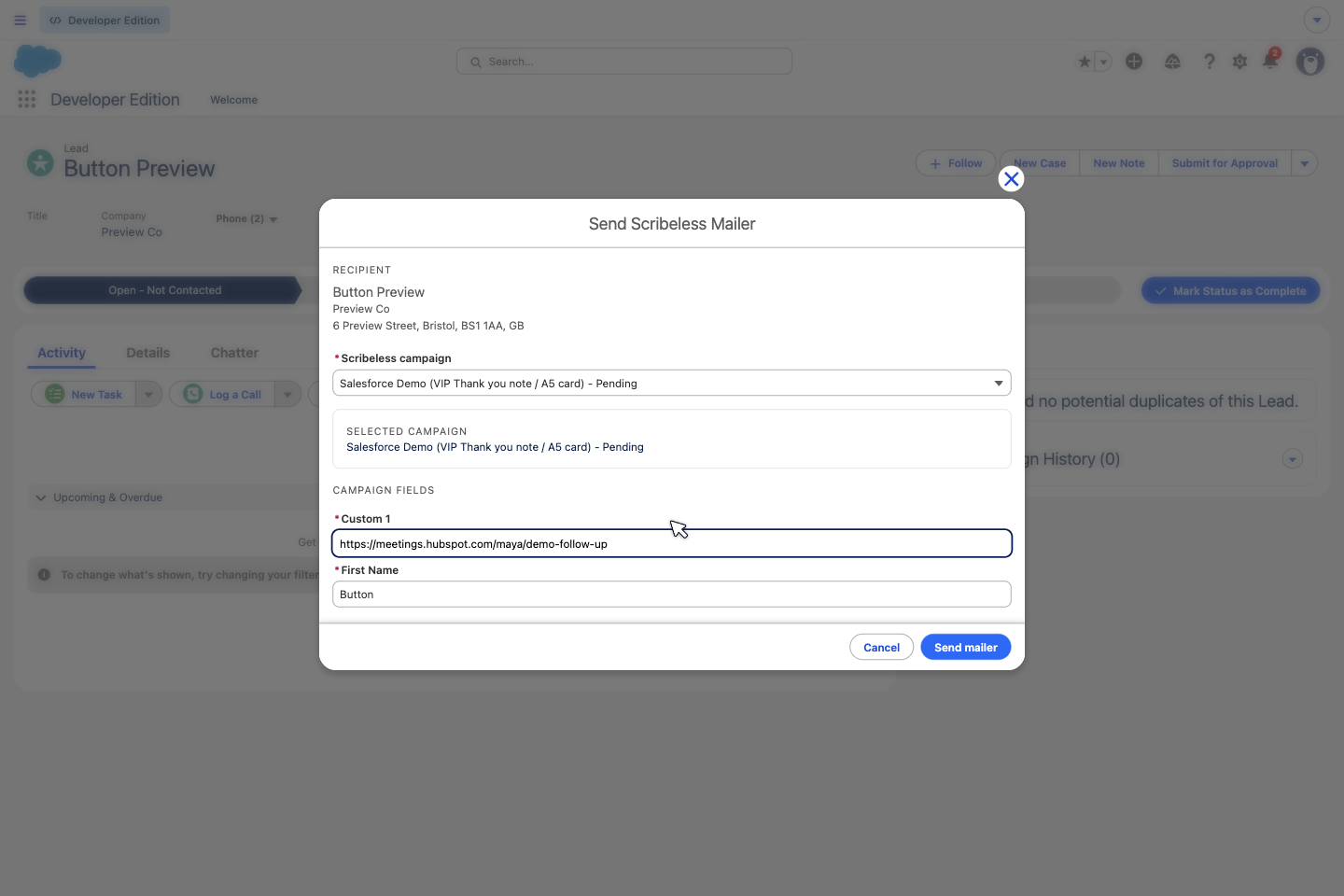
Add recipient to Scribeless campaign
Write QR scan engagement back into Salesforce so owners can see intent and workflows can trigger the next step.
QR code scanned

create a task or update a lead/contact field
Connect Salesforce and Scribeless to trigger handwritten follow-up from the deal, lifecycle, and customer milestones already tracked in your CRM. Start sends when a Salesforce Flow runs after an opportunity closes won, then send QR scan engagement back into Salesforce to create a task or update a lead/contact field, so owners can prioritize follow-up and workflows can react to offline intent.

Trigger
Opportunity won -> onboarding welcome letter

Trigger
Meeting completed -> handwritten follow-up

Trigger
Renewal milestone -> save account postcard

Trigger
Renewal or upsell trigger -> customer success note

Action
QR scan -> create task for account owner

Action
QR scan -> update lead or contact fields

Action
QR scan -> branch a Salesforce Flow

Action
QR scan -> log activity on the account record
Trigger handwritten follow-up from Salesforce