Use Attio stages and lists for handwritten follow-up that feels personal
Attio stages and workflows can trigger handwritten follow-up across demos, deals, and renewals, while QR scans surface intent faster.
QR scan automation
Turn Attio events into follow-up.
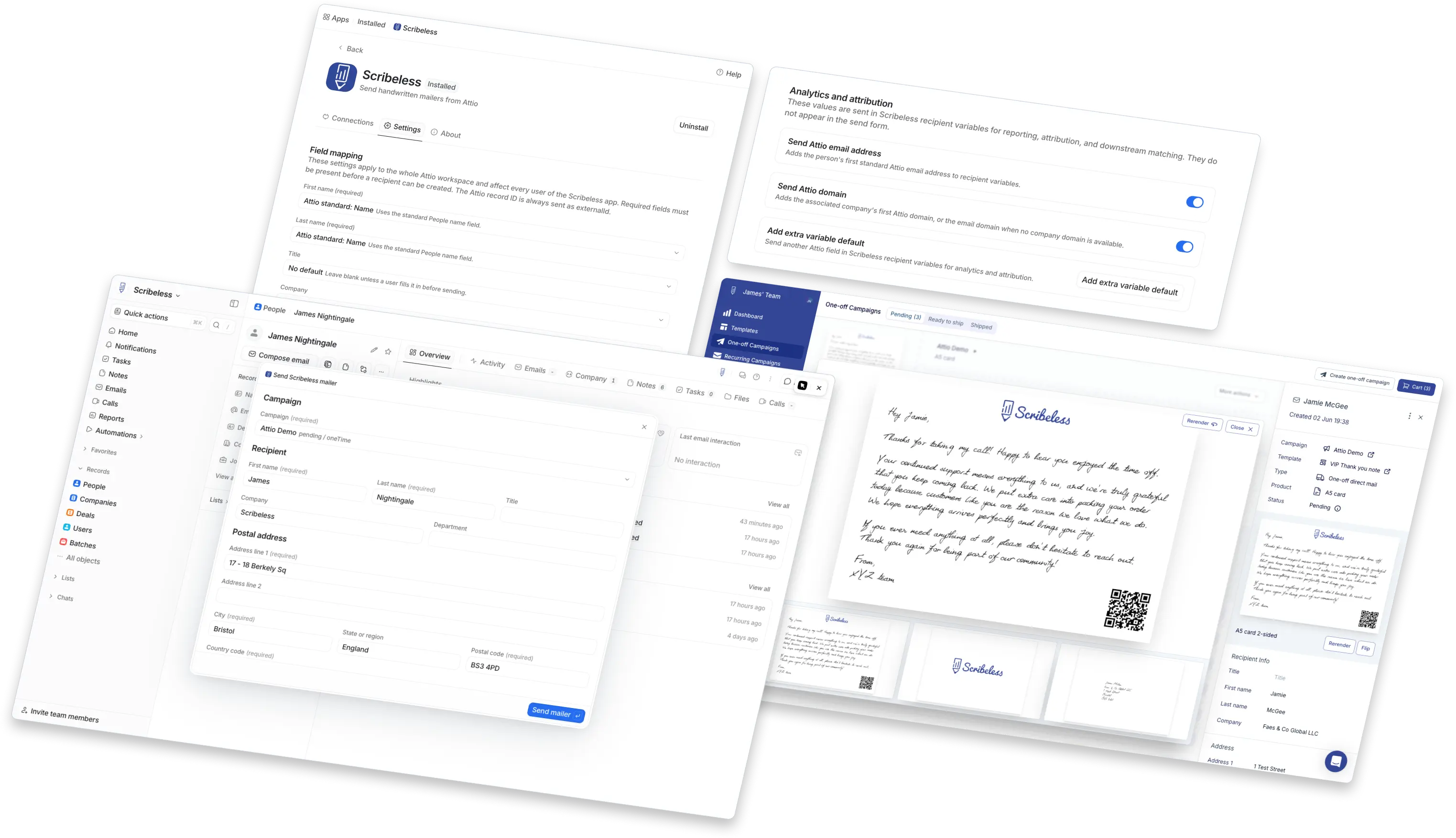
Send handwritten mail from Attio, then route QR scan engagement back into your stack for analytics, lifecycle updates, and follow-up tasks.

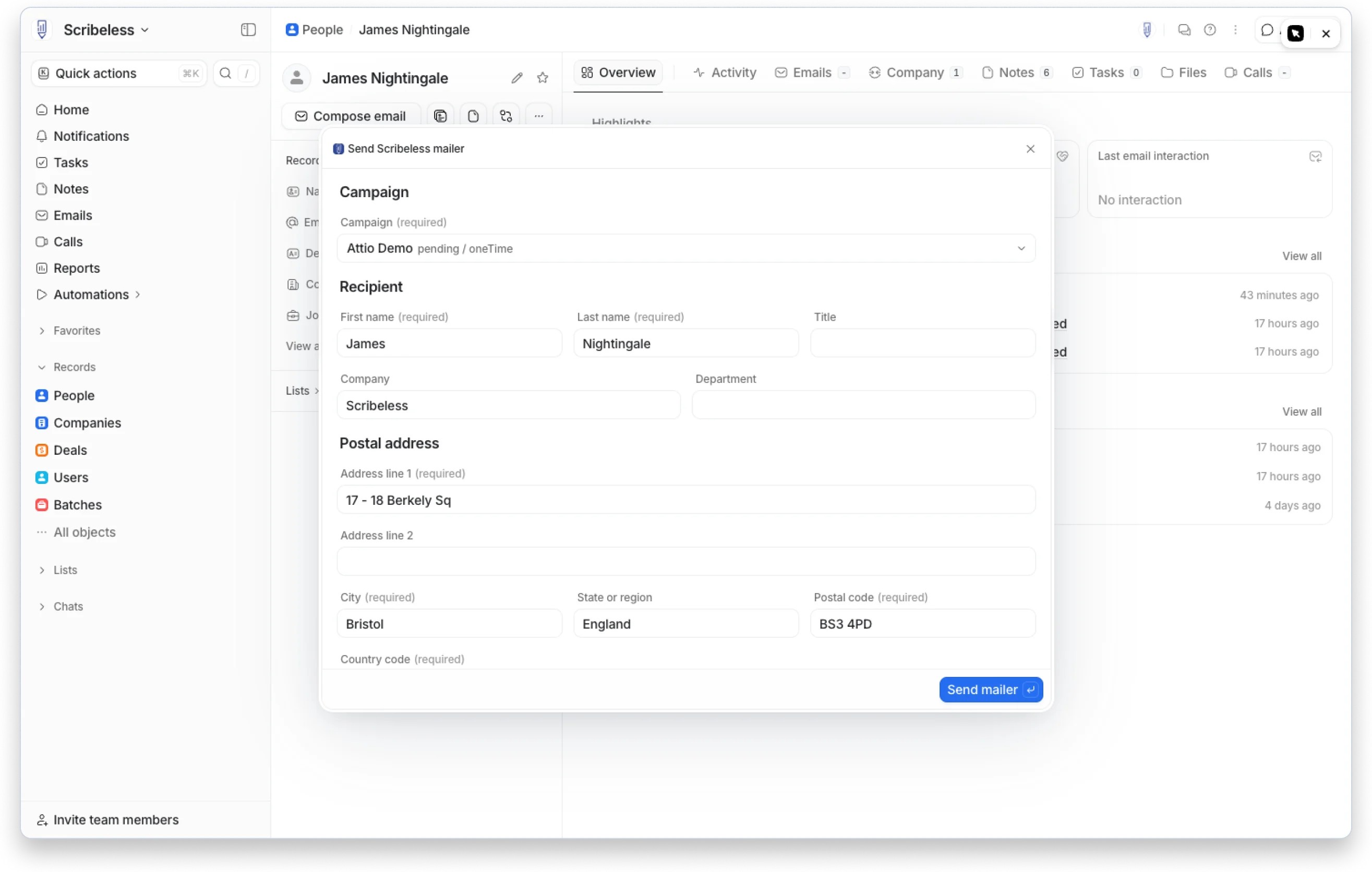
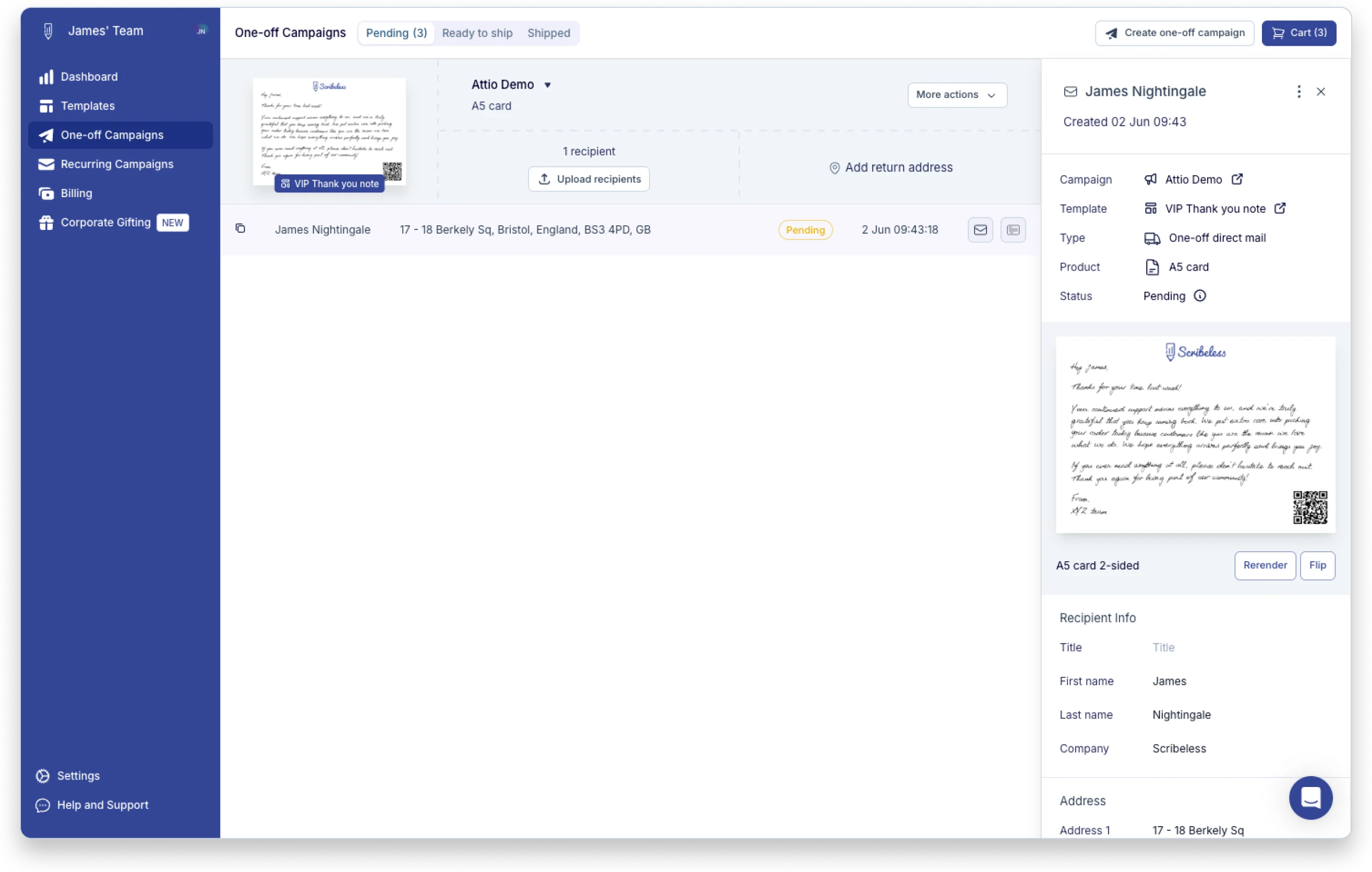
Trigger handwritten mail from Attio
Trigger handwritten follow-up from the deal, pipeline, and lifecycle moments already managed inside Attio.
- Closed won -> onboarding welcome letter
- Demo completed -> thank-you note next day
- Renewal date -> save account postcard
- Renewal or upsell trigger -> customer success note
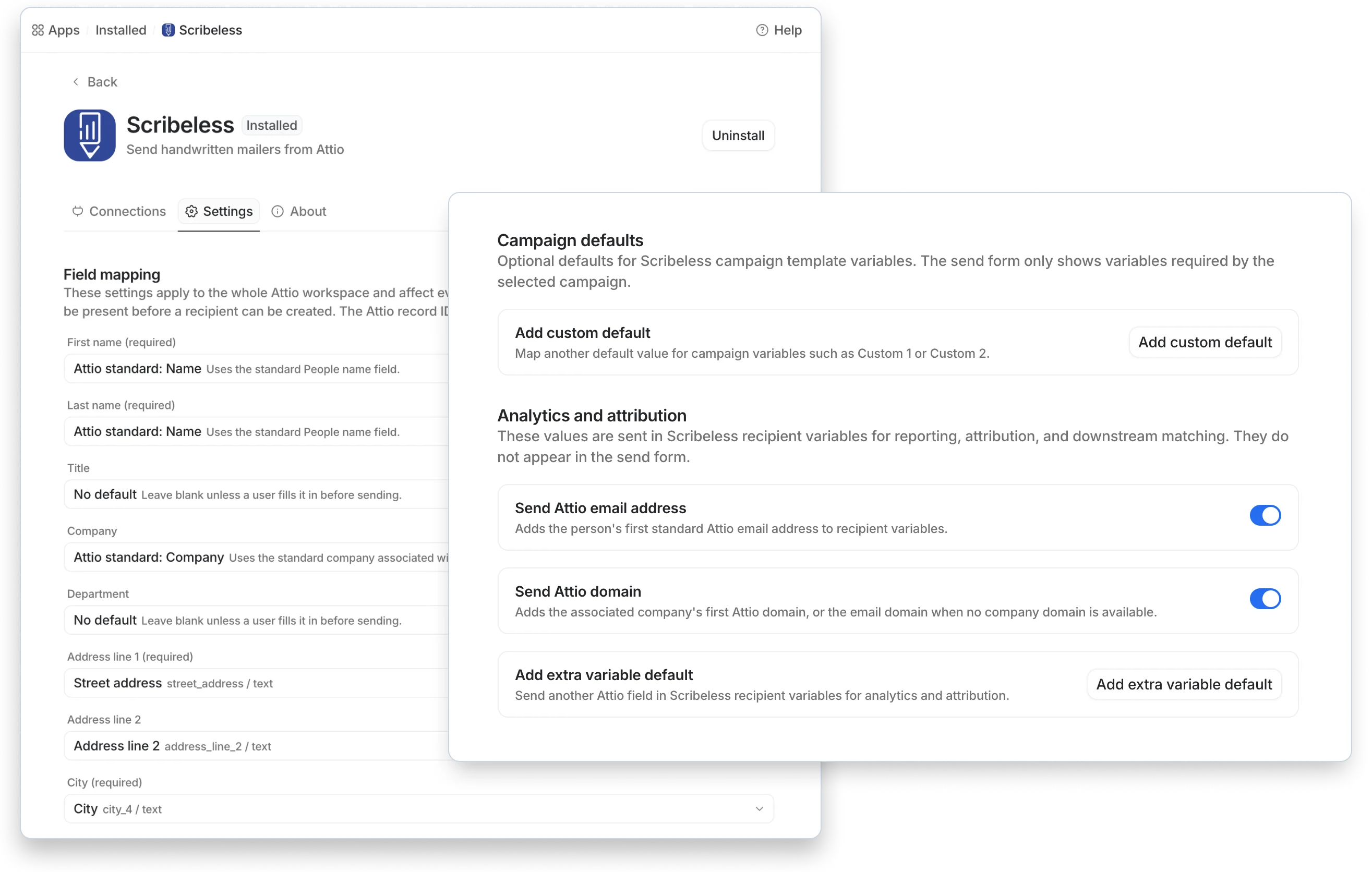
Send QR scan events into Attio
Write QR scan engagement back into Attio so owners can see intent and workflows can trigger the next step.
- QR scan -> create owner task
- QR scan -> update contact intent field
- QR scan -> branch follow-up workflow
- QR scan -> log activity on the record
Trigger handwritten follow-up from Attio
Connect Attio and Scribeless to trigger handwritten follow-up from the deal, lifecycle, and customer milestones already tracked in your CRM. Start sends when a deal moves to closed won, then send QR scan engagement back into Attio to create a task or update person/company attributes, so owners can prioritize follow-up and workflows can react to offline intent.