Trigger handwritten mail from Zendesk
Trigger handwritten customer follow-up from the support, onboarding, and success moments already tracked in Zendesk.
 ticket solved or CSAT response
 Add recipient to Scribeless campaign
Zendesk can trigger handwritten follow-up after support and success milestones, while QR scans tell your team when to act.
Trigger handwritten customer follow-up from the support, onboarding, and success moments already tracked in Zendesk.
ticket solved or CSAT responseAdd recipient to Scribeless campaignSend QR scan engagement into Zendesk so teams can see offline intent and respond with the right follow-up.
 QR code scannedcreate a follow-up task or update customer record
Integration recipes
Use Zendesk signals to decide who gets mail, then use scan engagement to keep lifecycle and follow-up workflows current.
TriggerTicket resolved → apology or thank-you noteTriggerOnboarding milestone → welcome letterTriggerExpansion opportunity → customer success noteTriggerRenewal risk → save-the-account postcardActionQR scan → create success taskActionQR scan → update health score or caseActionQR scan → route outreach to the ownerActionQR scan → log intent on the customer timelineIntegration overview
Connect Zendesk and Scribeless so customer moments that deserve empathy or appreciation trigger handwritten follow-up automatically. Start sends when a ticket is solved or a CSAT response arrives, then send QR scan engagement back into Zendesk to create a follow-up task or update customer record, giving your team a clearer signal for the next human touch.
 +
+

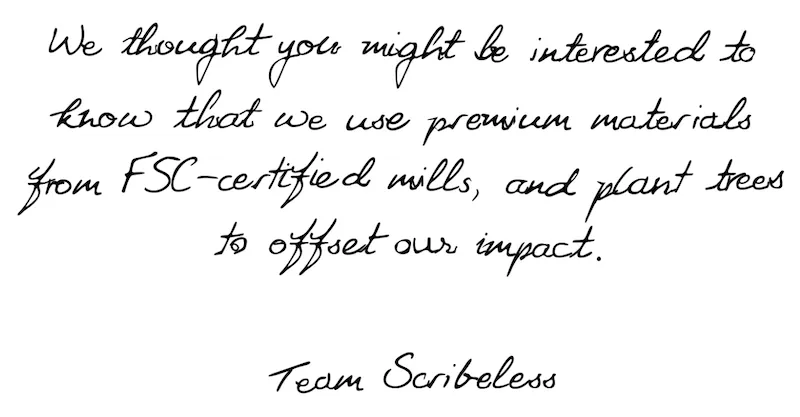
We use premium materials from FSC-certified mills, and plant trees to offset our impact.