Trigger handwritten mail from Workato
Use Workato as the orchestration layer for handwritten mail so triggers, enrichment, and downstream steps stay in one automated workflow.
 recipe trigger
 Add recipient to Scribeless campaign
Workato can trigger handwritten sends at the right moment, then route QR scan events into the next tool, team, or branch automatically.
Use Workato as the orchestration layer for handwritten mail so triggers, enrichment, and downstream steps stay in one automated workflow.
recipe triggerAdd recipient to Scribeless campaignRoute QR scan events through Workato so downstream tools, alerts, and branching logic react automatically.
 QR code scannedupdate downstream systems from QR scan data
Integration recipes
Use Workato signals to decide who gets mail, then use scan engagement to keep lifecycle and follow-up workflows current.
TriggerAny app trigger → add Scribeless recipientTriggerScheduled batch → queue campaign sendsTriggerWebhook event → personalized letterTriggerAudience sync → launch handwritten campaignActionQR scan webhook → fan out downstream actionsActionQR scan → branch logic across toolsActionQR scan → alert reps or marketersActionQR scan → notify team and update CRMIntegration overview
Connect Workato and Scribeless to make handwritten mail part of the automated workflows that already run across your stack. Trigger sends when a recipe runs, then pass QR scan data back into Workato to update downstream systems from QR scan data, so offline engagement can branch the next step.
 +
+

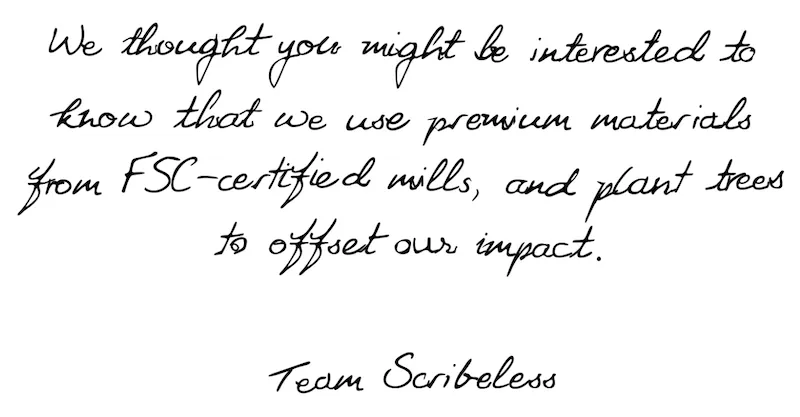
We use premium materials from FSC-certified mills, and plant trees to offset our impact.